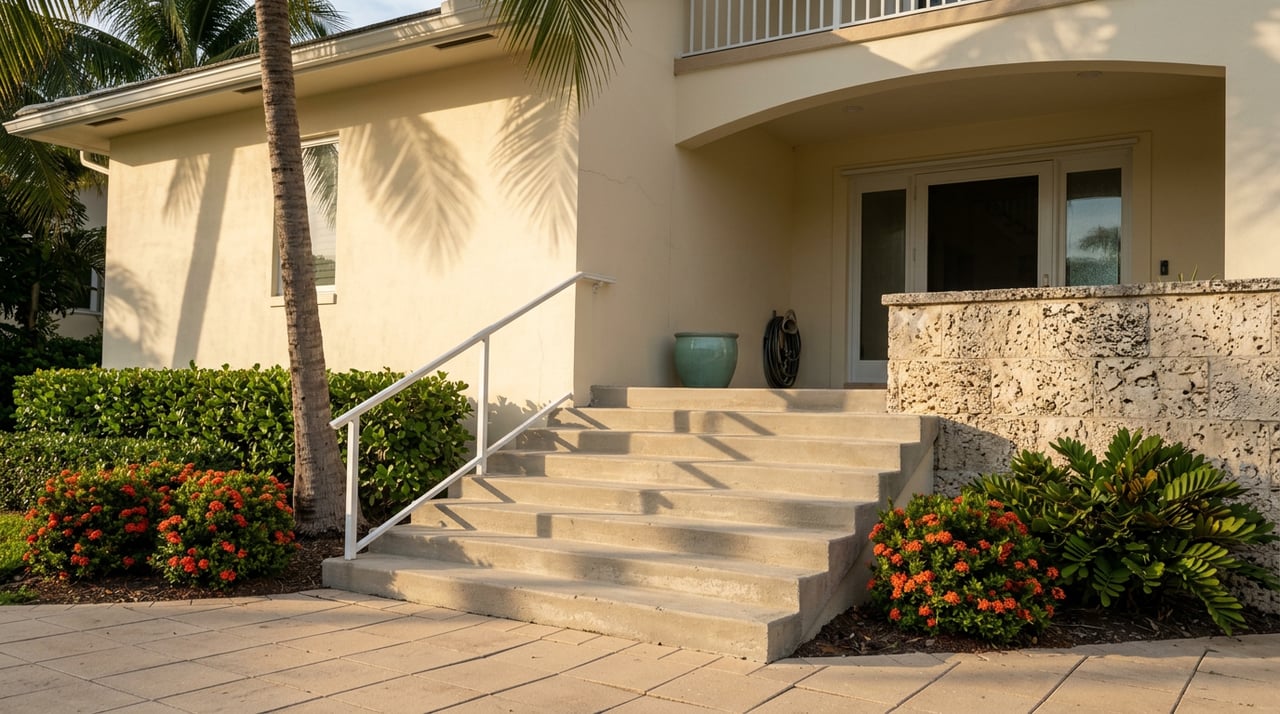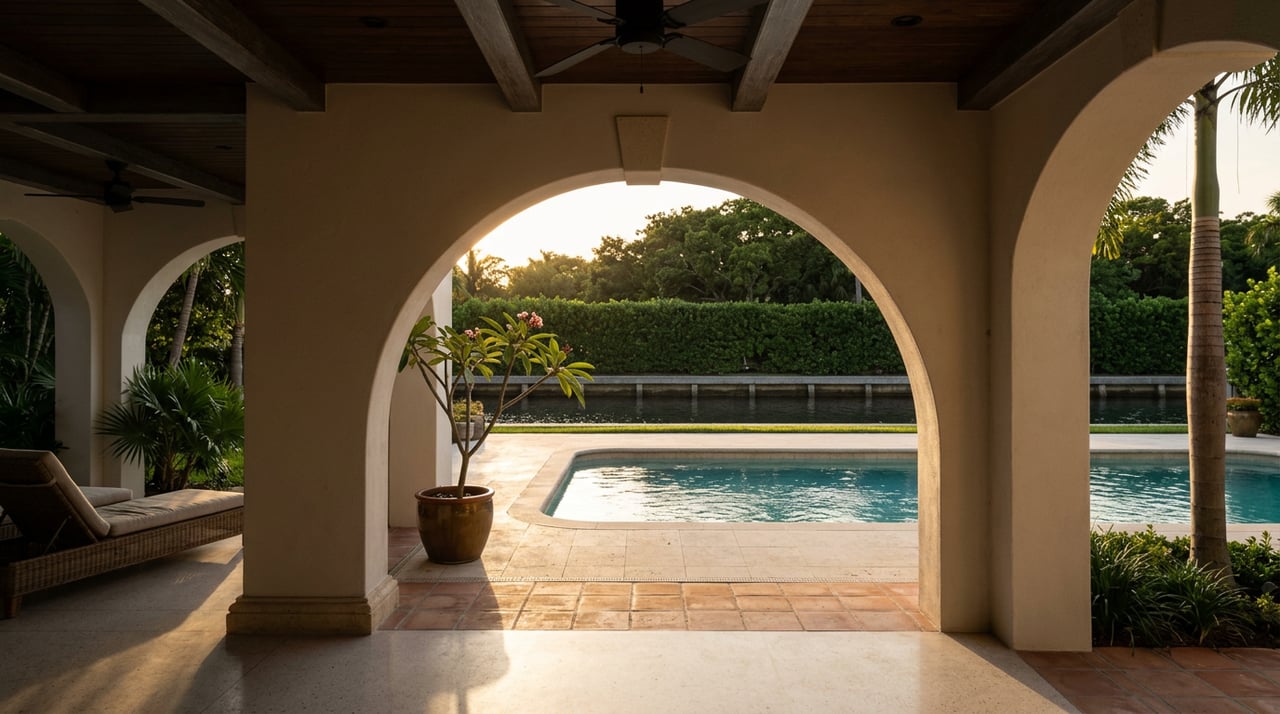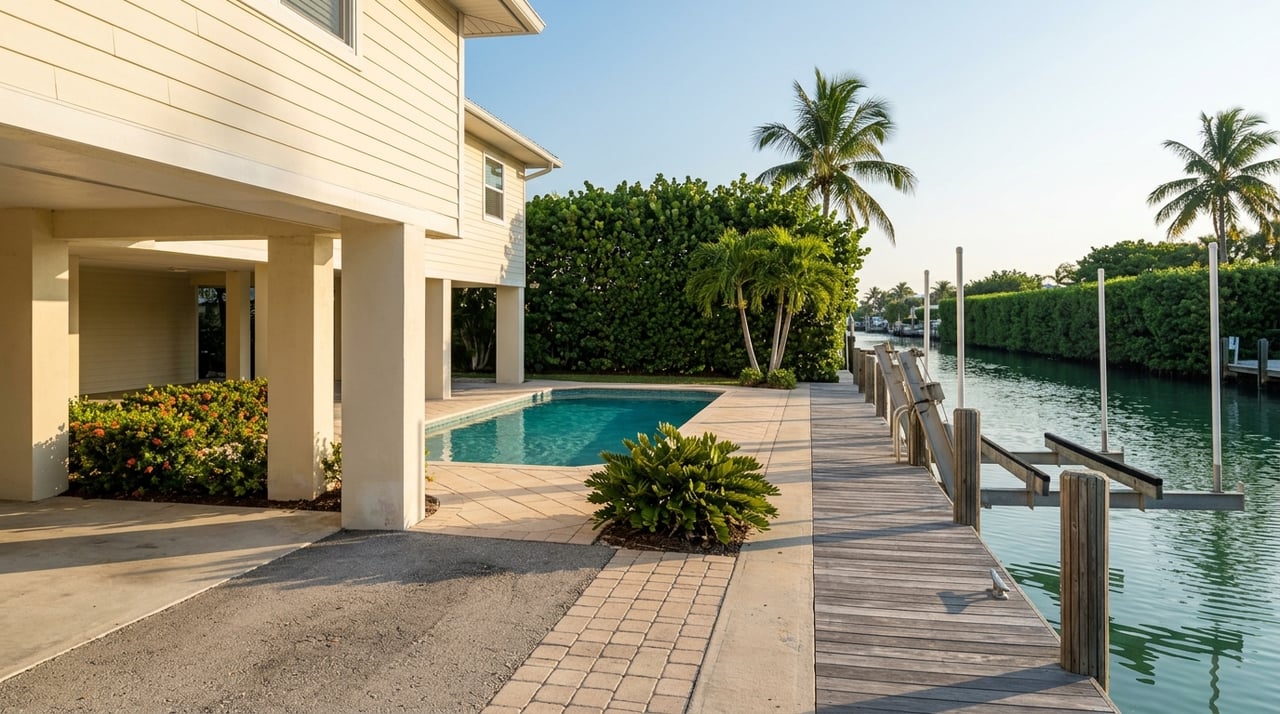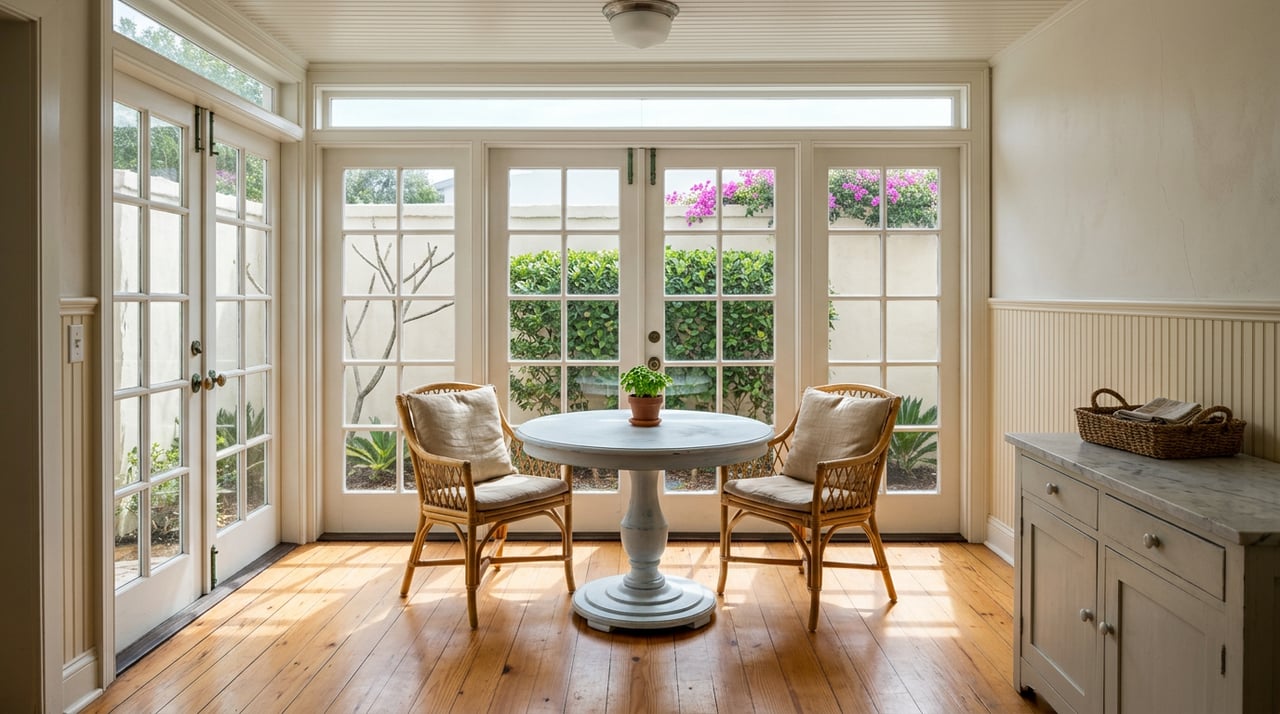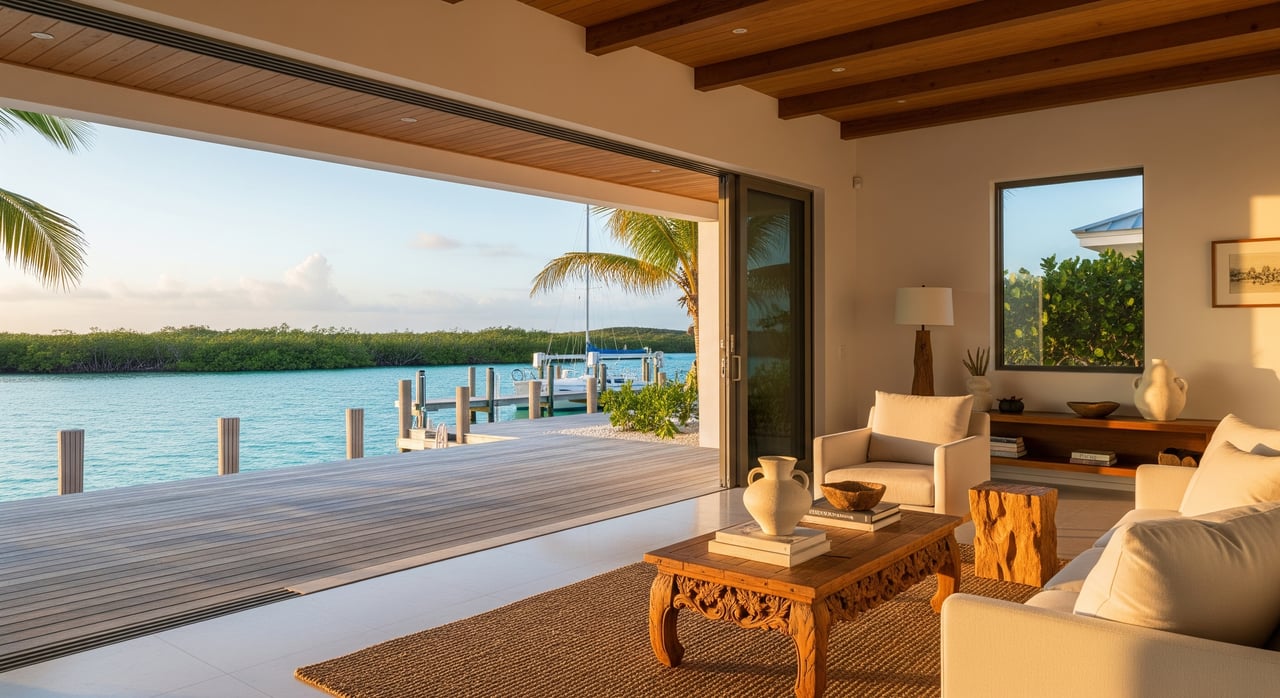
Shopping for a Ramrod Key home from out of town? You can see the layout, the dock, and the waterway from your couch without missing the details that matter. Virtual showings make it simple to narrow choices before you book flights or boat time. In this guide, you’ll learn how virtual showings work, what they can and cannot reveal in the Keys, and how to prepare so you make smart decisions. Let’s dive in.
What a virtual showing is
A virtual showing is a guided, remote tour of a property using live video, pre‑recorded video, or an interactive 3D model. You join from your phone or laptop while your agent walks through the home and the waterfront. You can ask for close‑ups, measurements, and views from the dock or street. It helps you decide if a property deserves an in‑person visit.
Why it works on Ramrod Key
Ramrod Key buyers often live off‑island and shop in the off‑season. Virtual showings let you compare homes without frequent trips. They are especially helpful when the home has private dockage or canal access because you can assess marine features and neighborhood context quickly. You save time while staying engaged with the market.
The formats we use
Live video walk‑throughs
Your agent streams a real‑time tour using FaceTime, Zoom, or Google Meet. You can direct the pace, ask to revisit rooms, and request specific angles or measurements. A gimbal or software stabilization keeps the video smooth, and two‑way audio lets you ask questions as if you were on site.
3D tours and floor plans
Interactive 3D scans let you “walk” the home and view dimensions between live sessions. Platforms like Matterport’s 3D models provide measurement tools and a clear sense of flow. Floor plans help you understand bedroom placement, storage, and line of sight from kitchen to outdoor spaces.
Drone and waterfront context
Aerial footage shows the canal, seawall alignment, nearby channels, and how close you are to U.S. 1 or marinas. For commercial drone work, operators should follow FAA Part 107 rules for drones. Drone clips make it easier to understand turning radius for boats and access to open water.
Pre‑recorded tours
Your agent may provide a polished video walk‑through that you can watch on your schedule. This is useful when time zones or island connectivity make live streaming difficult. You can follow up with a live Q&A to focus on specific concerns.
What you will see in Keys tours
- Waterfront features: dock length, pilings, boatlift condition, and route to marked channels.
- Seawalls and bulkheads: visible condition, patching, or recent repairs your agent can document.
- Elevation and storm features: hurricane shutters, impact glass, breakaway walls, and any elevation certificates the seller provides.
- Systems: A/C age, water heater, electrical panels, and generator setup where present.
- Salt‑air exposure: exterior hardware, railings, and mechanicals that show corrosion or recent replacement.
- Roofing and attachments: roof material, visible tie‑downs, and recent work your agent can confirm with documents.
What virtual cannot replace
A virtual showing cannot test systems over time or reveal underwater conditions. You should plan for a professional marine or dive inspection of docks and seawalls before closing. Structural, roof, HVAC, and septic inspections still require in‑person access. Street noise, boat traffic, and odors are best evaluated on site.
Buyer checklist for virtual showings
- Review seller disclosures, survey, and any elevation certificate before the live session.
- Ask for 3D scans or a measured floor plan to verify room sizes and layout.
- Request close‑ups of the dock, boatlift, seawall joints, and electrical service to the dock.
- Ask about flood zone, current insurance costs if available, roof and A/C ages, and dock permits.
- Confirm sewer connection vs. septic and any recorded easements for water access.
- Plan for inspection contingencies, including a marine specialist, before closing.
Seller prep for virtual success
- Deep clean and declutter; remove sensitive personal documents and photos.
- Stage the exterior: coil lines on the dock, clear pathways, and show the boatlift clearly.
- Ensure access to mechanical rooms, electrical panels, crawlspaces, and attic hatches.
- Share permits, elevation certificates, surveys, and maintenance records with your agent.
- Test the property’s Wi‑Fi coverage; if needed, your agent can use a hotspot or pre‑record content.
How a virtual showing works
Pre‑visit. Your agent confirms connectivity at the property and collects documents such as disclosures, surveys, and permits. If needed, they schedule a 3D scan and drone capture.
Capture. The agent records a stabilized video of the exterior, dock, seawall, and interior flow. They include mechanical spaces and roof visuals where safe and appropriate.
Create. You receive a 3D tour and floor plan or a labeled photo set that calls out system ages, recent work, and known conditions.
Schedule. You choose between a live walk‑through for Q&A or an on‑demand option if you are in a different time zone.
Follow up. The agent sends a document packet and recommended local vendors for inspections, including marine specialists and structural inspectors.
Permits, flood, and records to verify
Waterfront property value and risk depend on accurate records. You can look up parcel information and legal descriptions through the Monroe County Property Appraiser. Many buyers check flood zones and panel maps through the FEMA Flood Map Service Center. For construction or dock work, your agent can help you reference Monroe County permitting resources at the Monroe County site and, when needed, shoreline guidance from the Florida Department of Environmental Protection or the U.S. Army Corps of Engineers. Ask for copies of any dock, seawall, or shoreline permits and repair records.
Privacy, labeling, and best practices
Before filming, sellers should remove personal items that reveal private information. If a live session is recorded, everyone should be told a recording is in progress. If any images are virtually staged or if measurements are approximate, your agent should label that clearly, following professional guidance.
Ready to tour Ramrod Key virtually?
If you want a clear view of docks, canals, and construction quality before you travel, a well‑planned virtual showing can save you time and stress. You will see what matters for a waterfront lifestyle and know what to verify in person. For a concierge virtual experience tailored to the Lower Keys, connect with Island Welcome Real Estate.
FAQs
How do virtual showings help Ramrod Key buyers?
- They let you assess layout, dockage, canal access, and flood‑resilience features remotely so you can shortlist homes before traveling.
Can I make an offer after a virtual showing?
- Yes, many buyers do, but keep inspection and document contingencies so marine, structural, and systems checks happen before closing.
Will a lender accept a virtual tour for appraisal?
- Virtual tours can support the process, but appraisers and lenders typically require in‑person or drive‑by appraisals depending on the loan program.
What if the live video connection is poor on the island?
- Your agent can switch to a pre‑recorded tour and share downloadable files, then schedule a follow‑up live Q&A when connectivity improves.
Which inspections matter most for canalfront homes?
- A marine or dive inspection for docks and seawalls, plus roof, HVAC, electrical, plumbing, and sewer or septic evaluations.
How do I check a home’s flood zone?
- Use the FEMA Flood Map Service Center to view the property’s flood map panel and discuss insurance implications with your agent and insurer.